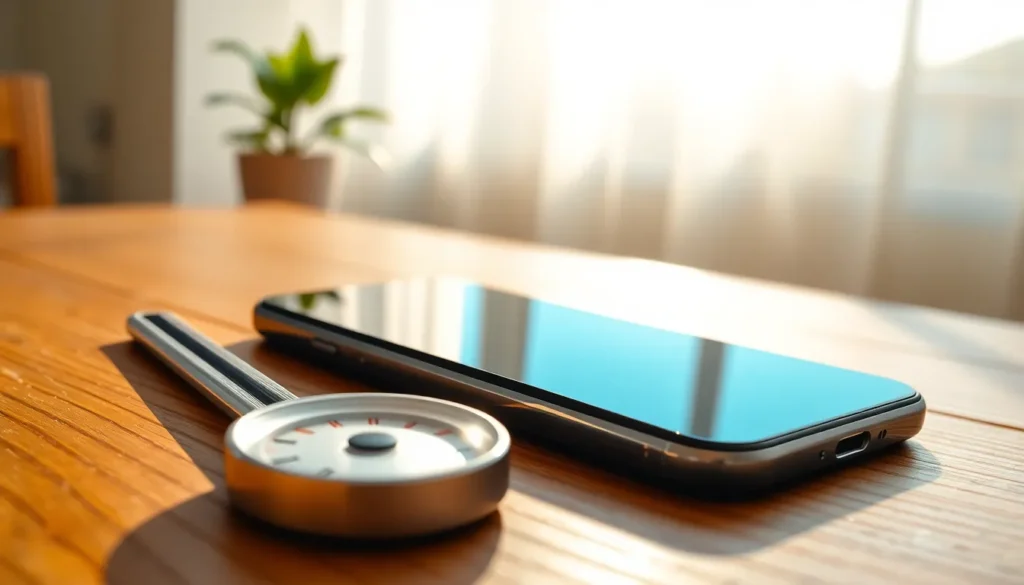
Is your iPhone 11 feeling more like a mini sauna than a smartphone? You’re not alone. Many users find their devices running hotter than a summer day in the city, leaving them puzzled and a bit concerned. But don’t panic just yet; your phone isn’t auditioning for a role in a sci-fi thriller.
Understanding iPhone 11 Temperature
iPhone 11 devices often experience temperature variances during normal use. Factors such as heavy app usage, gaming, or high-temperature environments contribute to this heating. Operating the phone in direct sunlight can elevate the temperature significantly.
Battery usage plays a crucial role in device temperature. High energy-consuming apps lead to increased battery strain, which, in turn, raises device heat levels. Running multiple apps simultaneously can also cause the processor to work harder, escalating heat generation.
Charging the iPhone can add warmth as well. Fast charging specifically increases temperature due to the rapid power transfer. A protective case might contribute to overheating by trapping heat during intensive tasks or charging.
Software updates often enhance system performance, but they sometimes demand more resources. Background processes running after updates can also lead to unnecessary heat. Ensuring that iOS is up-to-date minimizes issues related to temperature management.
Specific warning notifications appear when temperatures reach critical levels. These alerts indicate that the device needs to cool down before further usage. Users should not ignore these warnings, as they prevent potential long-term damage.
Monitoring device performance can identify key issues. Apps that run excessively in the background could require closure to maintain optimal temperatures. Taking regular breaks while using intensive applications can help manage heating effectively.
Common Reasons for Overheating

Overheating in iPhone 11 devices often stems from a combination of factors. Users frequently report several common causes that lead to elevated temperatures.
Heavy Usage and Background Apps
Heavy usage often leads to increased heat. Running resource-intensive applications like games or video editing software contributes significantly to warmth. Background apps can drain battery life, causing the device to work harder. Multiple apps open simultaneously exacerbate the problem, as excessive CPU usage generates additional heat. Regularly closing unused apps helps manage temperature levels effectively. Users engaging in video calls or streaming also notice spikes in heat, especially during extended sessions.
Environmental Factors
Environmental conditions play a vital role in overall device temperature. High ambient temperatures often amplify heating issues. Leaving the iPhone 11 in direct sunlight can lead to overheating quickly. Using the device in enclosed spaces without airflow promotes heat accumulation. Similarly, exposure to cold environments can cause performance issues, as extreme temperatures can affect battery efficiency. Awareness of surroundings can help mitigate potential overheating situations effectively. Users should consider relocating to cooler areas when experiencing persistent heating issues.
Troubleshooting Heating Issues
Overheating can be frustrating. Identifying solutions can enhance device performance and comfort.
Checking for Software Updates
Checking for software updates plays a crucial role in managing your iPhone 11’s temperature. Apple regularly releases updates that optimize performance and fix bugs. To check for updates, navigate to Settings, select General, and tap Software Update. If an update is available, download and install it. Ensuring the device runs on the latest software can help resolve overheating concerns by enhancing efficiency and reducing the burden on the processor. Regularly inspecting for updates ensures the device stays secure and runs optimally, which can prevent unnecessary heat buildup.
Closing Unused Apps
Closing unused apps significantly helps reduce heat generation. Background applications can drain resources, leading to increased temperature. To close apps, swipe up from the bottom of the screen and pause in the center to view all open apps. From there, swipe up on the apps you want to quit. Freeing up memory and processing power decreases the workload on the device, making it run cooler. Regularly managing open apps can prolong battery life and optimize overall performance, contributing to a more comfortable user experience.
Tips to Prevent Overheating
Overheating can affect an iPhone 11’s performance. Implementing a few simple strategies helps users manage temperature effectively.
Optimizing Settings
Adjusting settings can significantly reduce heat. Lowering screen brightness decreases energy consumption. Users can also disable background app refresh to limit resource use. Turning off location services prevents unnecessary battery drain during non-use. Enabling low power mode temporarily limits background activities and reduces heat generation. Keeping Wi-Fi and Bluetooth off when not needed directly impacts energy efficiency. Users can also minimize notifications from resource-heavy apps to conserve power. Setting automatic downloads only during charging helps manage device temperature.
Avoiding Direct Sunlight
Exposing the iPhone 11 to direct sunlight raises its temperature quickly. Users should avoid leaving the phone in hot places, like dashboards or near windows. Instead, keeping the device in a shaded area protects it from excessive heat. Using a light-colored case reduces heat absorption. Whenever possible, holding the device in cooler environments helps maintain optimal operating temperature. During outdoor activities, using commercial cooling pouches also prevents overheating. Users should take breaks during extensive outdoor usage to allow the device to cool down. This proactive approach minimizes heat exposure effectively.
Experiencing overheating with an iPhone 11 can be concerning but understanding the causes can ease worries. By recognizing factors like heavy app usage and environmental conditions users can take proactive steps to manage heat effectively.
Keeping the device updated and optimizing settings can significantly reduce temperature issues. Simple actions like closing background apps and avoiding direct sunlight can make a noticeable difference.
Ultimately it’s about being mindful of usage patterns and surroundings to ensure a smoother and cooler experience with the iPhone 11. Taking these precautions not only enhances device performance but also prolongs its longevity.