
Ever found yourself ready to post that perfect shot on Instagram, only to be met with the dreaded message saying it can’t access your photos? It’s like trying to show off your new shoes while wearing a potato sack—definitely not the vibe you want.
Understanding Instagram Permissions
Instagram requires access to photos for a smooth posting experience. Without proper permissions, users face hurdles when trying to share their favorite images.
Importance of App Permissions
App permissions play a crucial role in functionality. They determine whether Instagram can access the camera roll and photos. Users may miss out on posting if permissions are not granted. Privacy settings protect personal data but can limit app abilities if overly restrictive. Users must balance privacy with app requirements to enable seamless sharing.
How to Check Permissions on iPhone
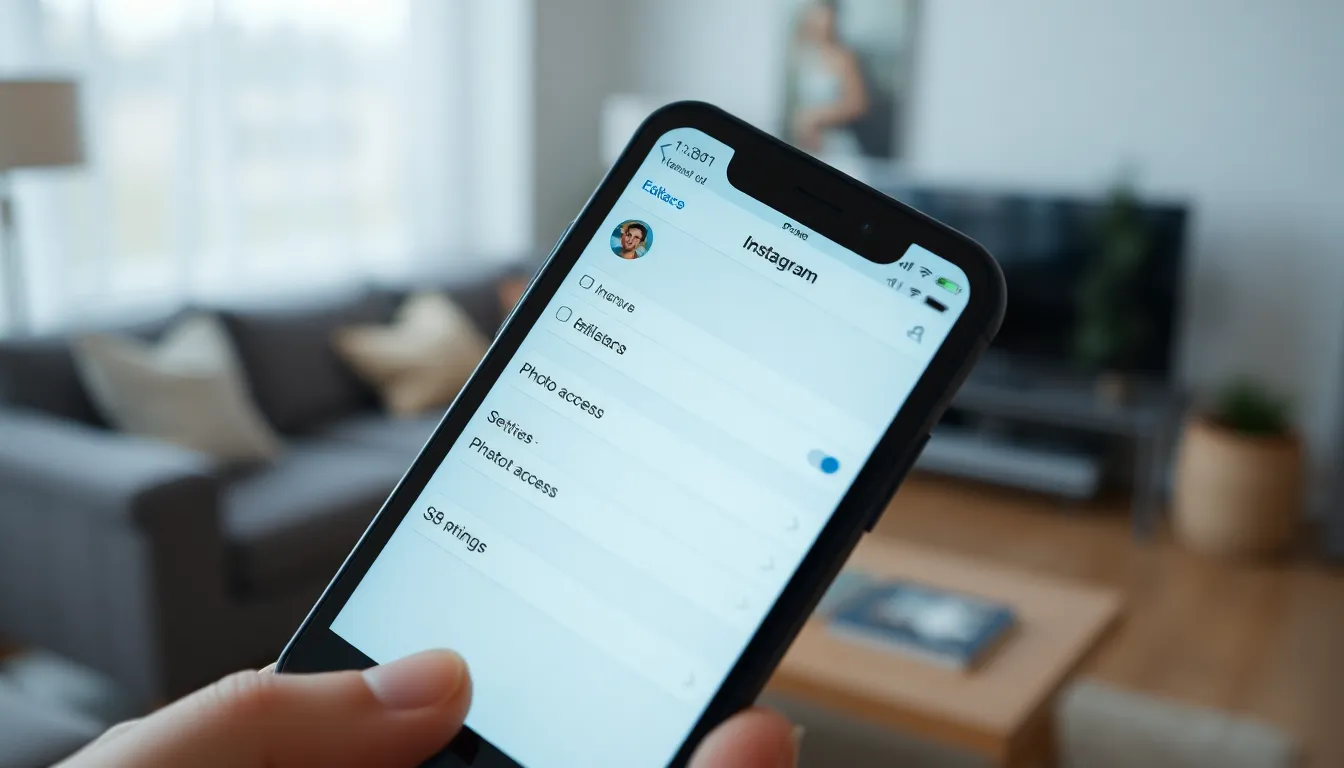
Checking permissions on an iPhone is straightforward. First, open Settings and scroll down to find Instagram. Next, tap on it to view its permissions. Users can see if the Photos option is enabled. If not, selecting “Read and Write” allows Instagram to access photos. Restarting the app could resolve access issues after permissions are updated. Regularly reviewing app permissions keeps users informed and ensures optimal functionality.
Common Reasons Instagram Can’t Access Photos
Instagram’s inability to access photos often stems from a few common issues. Identifying these problems helps streamline the posting experience.
Privacy Settings on Your iPhone
Privacy settings on an iPhone control app permissions significantly. Users often overlook the settings that may restrict Instagram’s access to photos. Navigate to Settings, then Privacy, followed by Photos. Ensure Instagram has permission to access All Photos or Selected Photos. Restricting access limits Instagram’s ability to retrieve images. User awareness of these settings remains vital for a smooth experience.
Outdated Instagram App
An outdated Instagram app creates compatibility issues. Regular updates fix bugs that hinder functionality. Users should visit the App Store to check for the latest version. If the app isn’t updated, functionalities, including photo access, may fail. Installing updates not only improves access but also enhances overall performance within the app.
Troubleshooting Steps to Resolve the Issue
Follow these straightforward steps to help Instagram access photos on iPhone effectively.
Updating App and iOS
Keeping both the Instagram app and iOS updated is crucial for functionality. Ensure the Instagram app is the latest version by checking the App Store regularly. If an update exists, tap “Update” to install it. Also, navigate to Settings, select General, and check for iOS updates. Confirming that iOS is current helps maintain compatibility and performance. Issues often arise from running outdated versions of either the app or system software.
Reinstalling Instagram
Reinstalling the Instagram app frequently resolves access issues. Start by uninstalling the app—press and hold the Instagram icon, then select “Remove App” and “Delete App.” After that, visit the App Store to download Instagram again. This process clears cached data and allows a fresh start. Logging back in will restore previous settings while ensuring all features are functioning properly. Many users find that this simple step resolves persistent problems.
Resetting Privacy Settings
Resetting privacy settings provides a quick solution for photo access issues. Begin by going to Settings, selecting Privacy, and tapping on Photos. From there, either allow Instagram total access to All Photos or choose Selected Photos to limit what the app can see. If problems persist, consider resetting all privacy settings. This step can clear up conflicting permissions set by other apps, ensuring smoother access to photos. Adjusting privacy settings effectively enhances overall app performance.
Alternative Solutions
Users experiencing difficulties with Instagram accessing their photos can explore several alternative solutions. These methods can provide additional support when standard troubleshooting doesn’t resolve the issue.
Contacting Instagram Support
Contacting Instagram Support offers another avenue for assistance. Users can navigate to the app’s settings and locate the ‘Help’ section to submit a request. Detailed information about the issue, along with device specifics, enhances the likelihood of a prompt response. Checking Instagram’s Help Center can also reveal common issues and potential solutions. Engaging with Instagram through their official social media pages adds another layer of support. Utilizing these resources ensures users have access to expert guidance tailored to their concerns.
Using Third-Party Apps
Using third-party apps may provide a temporary workaround for accessing photos. Some apps, designed specifically for photo management, allow users to share images without direct Instagram access. Researching reputable applications ensures compatibility with iOS devices. File transfer apps can bridge the gap and streamline sharing processes. Selecting the right app requires considering user reviews and ratings to ensure reliability. Employing these alternatives can maintain the user’s ability to share their photos effectively while resolving direct access issues with Instagram.
Experiencing issues with Instagram accessing photos on an iPhone can be frustrating but understanding the underlying reasons can help users regain functionality. By checking app permissions and ensuring privacy settings are correctly configured users can significantly improve their posting experience. Regularly updating both the Instagram app and iOS is crucial for compatibility and performance.
If problems persist troubleshooting steps like reinstalling the app or resetting privacy settings can provide effective solutions. For those still facing challenges reaching out to Instagram Support or exploring third-party photo management apps can offer additional avenues for resolution. With the right approach users can continue sharing their favorite moments effortlessly.